Author: admin

  • Control the Steps That Matter

    Control the Steps That Matter

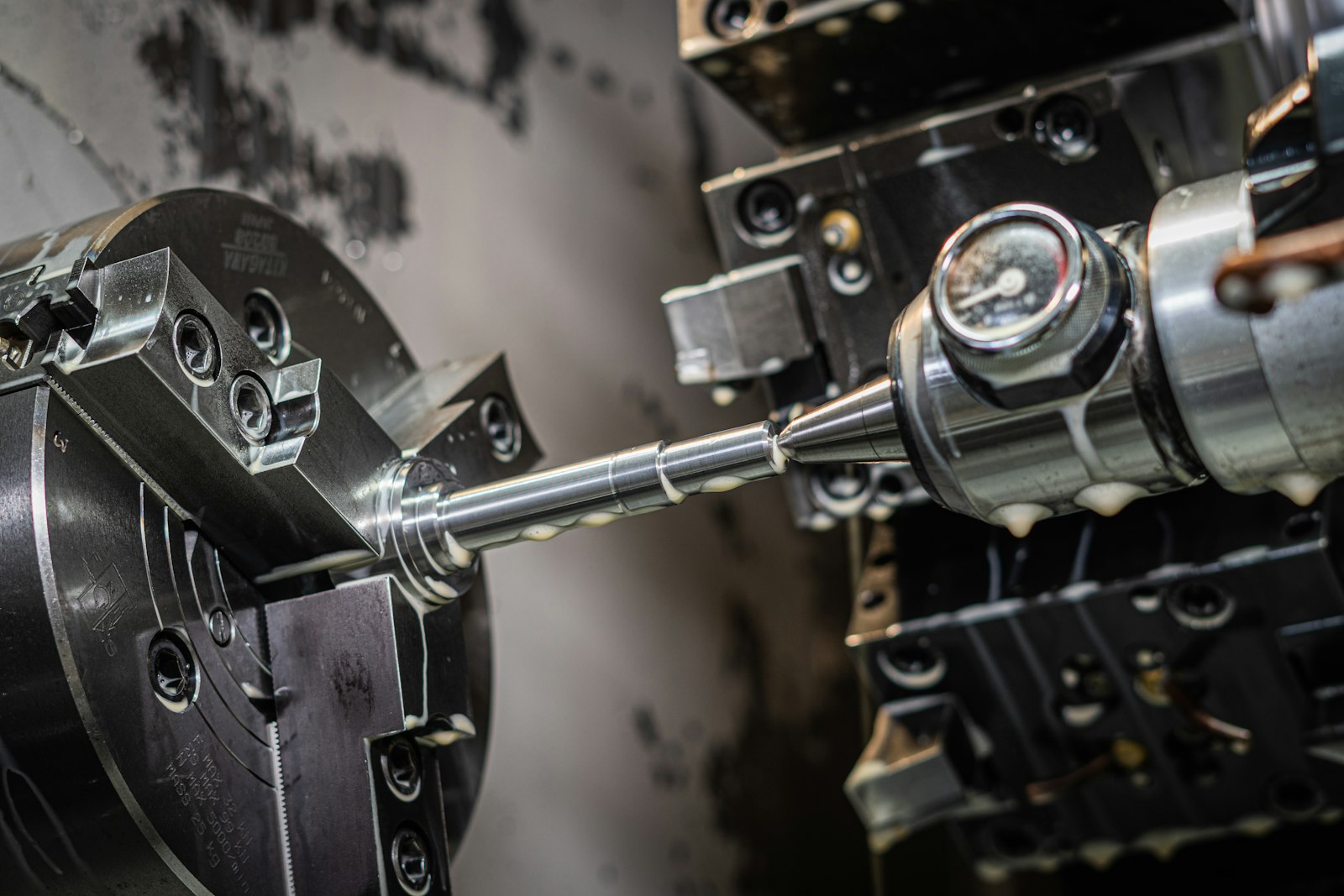
    When the same small error keeps appearing, the fix may not be “be more careful.” A measurement taken from the wrong edge, a curing step skipped during a rush, or a fixture returned to the wrong setting can make an otherwise sound build inconsistent. Process control for small makers starts by identifying the steps where a little variation has an outsized effect; qonfident.io is built around that work, alongside QC and build records.

    Find the fragile step

    Look for the places where the next operation depends on a detail being right. That might be the first cut from a reference face, adhesive coverage before clamping, or confirming a part orientation before drilling. These are points where a mistake can be repeated or concealed by later work.

    Ask what makes the step easy to get wrong: an unclear reference, a tool setting that drifts, or a handoff between people. Naming the cause is more useful than adding a general reminder to slow down. It directs attention toward a practical change in the process.

    Make the expected result clear

    A production step should say what happens and how the maker can tell it is ready for the next one. “Prepare the edge” is vague; specifying the reference surface, the tool setup, and the condition to inspect gives the work a more repeatable shape. The detail should fit the task, not turn a simple operation into a manual.

    If a step has a meaningful hold point, make that pause visible. A dry fit before glue-up, for instance, gives the maker a chance to confirm alignment while adjustment is still possible. That is process control in practice: not more paperwork, but a deliberate point to verify before moving on.

    Learn from the next build

    When a deviation happens, capture enough to understand it: the step, the condition, and the correction. A build record can show whether the issue was a one-off material variation or a repeatable weakness in the process. Avoid treating every exception as proof that the whole method is wrong.

    Review the steps that have generated rework, confusing handoffs, or uncertain QC results, then improve one at a time. The qonfident.io application is intended to connect those production steps with checks and build records, so the process can be reviewed in context. A good first move is to choose one fragile step this week and make its expected result easier to see.

  • Keep Build Records Useful

    Keep Build Records Useful

    A customer asks about a finish months after a piece leaves the shop, and the answer depends on a note no one thought to make. Build records matter most when they help connect a finished object to the decisions and checks behind it. For small makers, qonfident.io’s focus on build records alongside process control and QC points to a simple standard: record what will help you understand the work later.

    Start with the build

    Give each job a clear identity, then attach the details that distinguish it from the one before. A custom table might need its dimensions, wood selection, finish choice, and a note about a client-approved change. Without that context, two similar builds can blur together in memory.

    Keep the record close to the way work actually moves through the shop. If you already refer to a job by its order number or project name, use that consistently. A record that takes extra effort to identify is less likely to be useful when the bench is busy.

    Capture changes with context

    A note saying “adjusted” does not explain much. Write what changed, why it changed, and which step or part it affected: for example, the opening was widened after a dry fit showed the drawer binding. Keep the wording factual; a short, specific note beats a polished paragraph written from memory later.

    Build records can also make small process improvements easier to spot. If a particular assembly repeatedly needs the same adjustment, notes across jobs may show where a production step or quality check deserves attention. The record is not a substitute for judgment; it gives judgment something concrete to work from.

    Keep the record proportionate

    Recording every movement would slow the work without necessarily improving it. Prioritize information that supports traceability, explains a departure from the usual process, or helps confirm a meaningful QC check. The right amount depends on the product and the consequences of getting a detail wrong.

    The qonfident.io application brings process control, quality checks, and build records into the same small-maker context. Treat a record as a working reference, not paperwork for its own sake. Before adding a field or note, ask whether it will help you answer a real question about this build.

  • Make Quality Checks Repeatable

    Make Quality Checks Repeatable

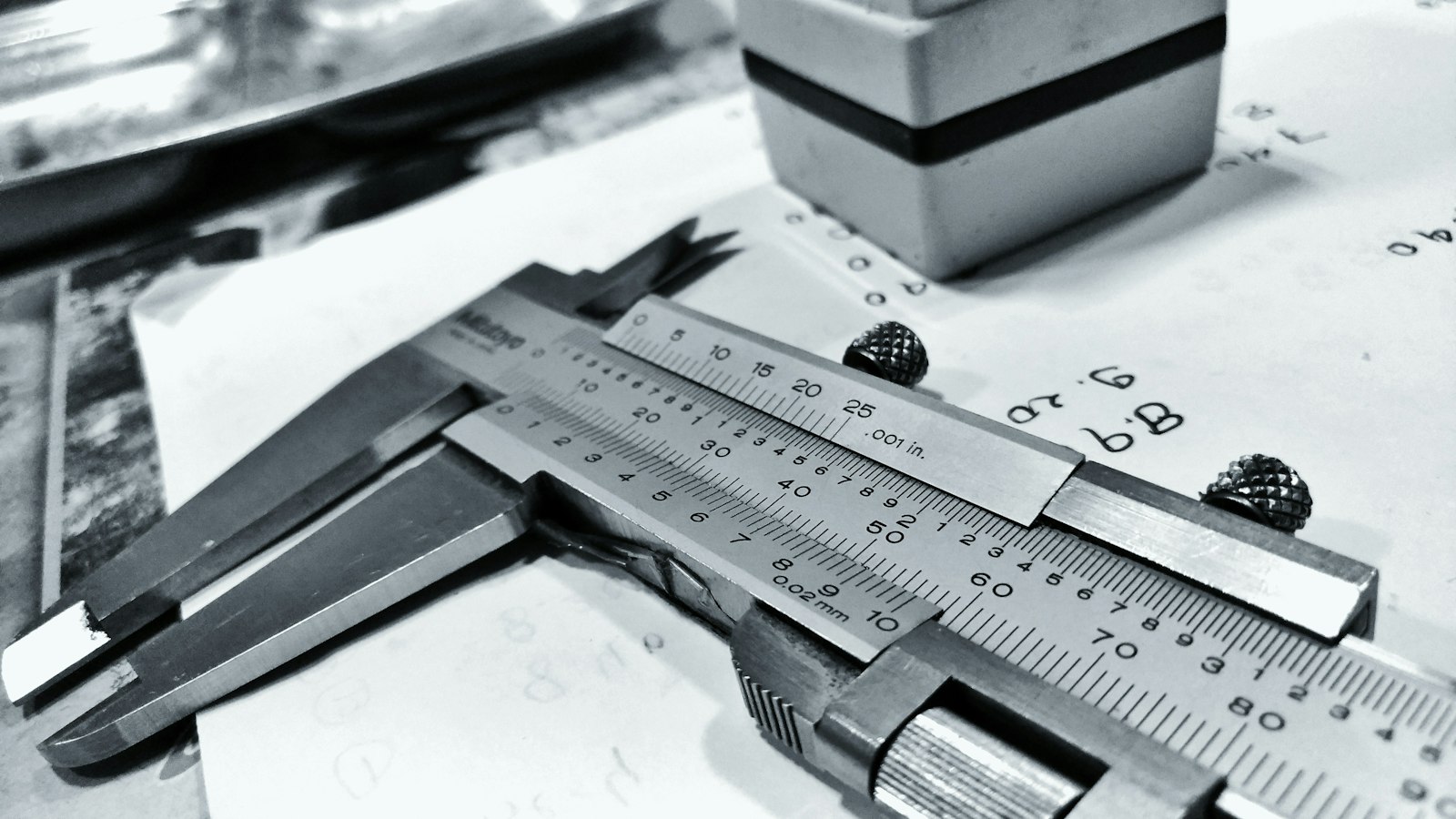
    A drawer front can look square on the bench and still reveal a gap after installation. For small makers, a useful QC check is not a long inspection sheet; it is a clear, repeatable moment in the build process. That is the practical overlap between quality checks, process control, and the build records organized in qonfident.io.

    Check at the right moment

    A check works best where it can still change the outcome. Measure a panel after cutting, before its edges are finished; confirm a threaded insert is seated before the assembly closes around it. Catching a mismatch at that point is usually simpler than discovering it during final packing.

    Choose a few points where an error would be costly, difficult to reverse, or likely to travel into later steps. Not every action needs a formal inspection. The aim is to put attention where it can prevent rework.

    Make the method observable

    “Check the fit” leaves room for different interpretations. “Seat the hinge, close the door, and confirm the reveal is even along the top edge” gives another person a method they can follow. A useful quality check names what to inspect and what acceptable looks like.

    Keep the method proportionate to the work: a square, a test fit, or a visual comparison against a reference may be enough. If a check depends on a particular tool or setup, name it so the result does not quietly change from one build to the next.

    Record what happened

    A pass or fail can be useful, but a short note about the finding is often more useful when a build needs attention. Record the part or step, what you observed, and what you did next. That gives the build record context instead of leaving a bare mark with no explanation.

    qonfident.io is designed around process control, QC, and build records for small makers. Use that connection to keep the check tied to the production step it belongs to. Start with one check that has been easy to forget, make its method clear, and see whether the next build is easier to inspect.